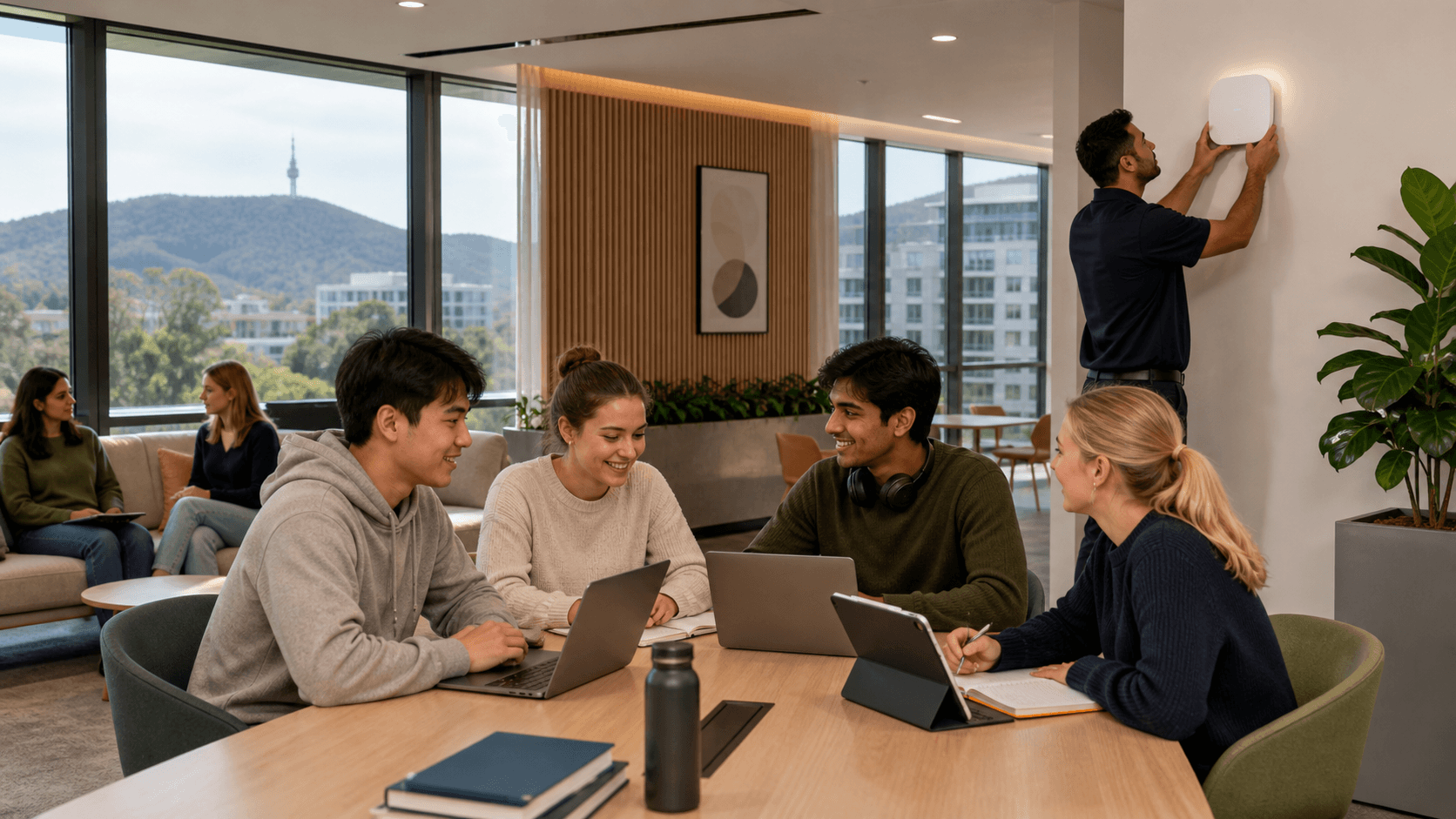
Fast, Safe Wi-Fi for Canberra Boarding Students
Good boarding Wi-Fi should feel simple for students. They open a laptop, join the network and get on with homework, streaming and talking to family. Behind the scenes, though, that same Wi-Fi has to protect students, support teaching and keep the school on the right side of funding and policy rules.
Boarding houses around Canberra often find themselves stuck between two bad options: lock things down so hard that Wi-Fi crawls, or open it up and hope nothing goes wrong. Both paths create stress for IT teams, teachers and boarding staff. In this article, we talk through practical ways to secure boarding Wi-Fi without slowing students down, how to tune controls for education, and why working with Eagle IT, your local Canberra IT support team, makes a real difference.
Eagle IT is your Canberra IT team; now backed by Aera Cloud's national expertise. You keep the same personal relationships and small-team experience, with enterprise-grade capability behind the scenes.
Why Boarding Wi-Fi Is a Unique Security Challenge
Boarding networks are not like daytime classroom networks. After school, everyone heads back to shared spaces and bedrooms, and the pressure on Wi-Fi ramps up quickly. You see a mix of:
- Online learning and research
- Streaming video and music
- Gaming and group chats
- Video calls to family and friends
All of this is running on the same wireless network, often in older buildings with tricky walls and layouts across Canberra and the wider ACT. Peak times stretch from late afternoon to late at night. If the network is not well planned, that mix can create congestion and blind spots where risky activity slips through.
Schools also carry a clear duty of care. That includes:
- Keeping students away from harmful or illegal content
- Protecting student records and staff information
- Meeting government and funding requirements for filtering and reporting
- Respecting privacy while still being able to respond when something goes wrong
For ACT education and government-funded environments, those expectations are usually higher, and the oversight is tighter. Wi-Fi choices are not just technical, they link straight into governance and risk.
The threat side is shifting too. Boarding houses now have many unmanaged devices: personal phones, tablets, laptops, gaming consoles and smart TVs, plus Internet of Things gear like speakers and smart locks. Each new device type is another possible way in for attackers. If these are all on one flat network with weak controls, you can end up with:
- Malware spreading between student devices
- Attempts to break into school systems from inside the Wi-Fi
- Hidden hotspots bypassing filters and logs
That is why boarding Wi-Fi needs a different design approach from normal office Wi-Fi.
Secure Wi-Fi Design That Still Feels Fast
The good news is that security does not have to mean slow. With the right design, students can enjoy smooth Wi-Fi while the school gains stronger control.
A strong first step is network separation. Instead of one big Wi-Fi network for everyone, traffic is split into separate virtual networks. For example:
- Student network for personal and school devices
- Staff network for teaching resources
- Admin network for finance, HR and student systems
- Guest network for short-term visitors and contractors
Done properly, this stops student devices from ever touching critical systems, even if a device is infected. The key is to design it so that this separation happens in the background, without adding noticeable lag to day-to-day use.
Cloud-managed Wi-Fi is another helpful building block. With cloud management, the wireless system can:
- Balance connections across access points during busy times
- Apply quality of service so learning tools stay responsive
- Detect and adapt when one part of the campus is overloaded
For a boarding house, that might mean the network quietly prioritises learning platforms, research sites and video calls for homework, while slowing down huge game downloads or very high-resolution streaming at peak times. Students still get to relax online, but the whole network is not dragged down by a few heavy users.
Security should sit at the edge of the network, not as a brake in the middle. Next-generation firewalls and secure DNS services can:
- Spot and block known malicious sites before connections complete
- Inspect traffic patterns for suspicious behaviour
- Support modern encrypted connections so privacy is kept while risk is reduced
From a student's point of view, the network feels open and responsive. From the school's point of view, there is a strong shield around the boarding house that is always on.
Practical Safeguards for Life in the Boarding House
Once the base design is right, the next step is to shape it around how boarding life actually works.
Age-appropriate filtering and time-of-day rules can help balance freedom and safety. For example:
- Stricter filtering on certain content for younger year groups
- Wider access for seniors during study periods
- Reduced entertainment access late at night to support sleep and wellbeing
The most important part is clear communication. Students and parents should understand the "house rules", when filters apply and why the school has set things up that way.
Device onboarding is another pressure point. Boarding staff and small IT teams cannot spend hours each term manually connecting devices. Modern tools can support:
- Self-service portals where students register personal devices
- Automatic enrolment of school-managed laptops and tablets
- Clear tracking of which user owns which device
This reduces shadow IT, helps keep logs accurate and makes it easier to find and fix issues when they appear.
Monitoring and incident response round out the picture. With the right systems in place, the school can receive alerts for things like:
- Sudden spikes in data use from one room or device
- Signs of crypto-mining or other hidden activity
- Unusual login attempts against school systems
What matters next is having a simple, practiced response: who gets notified, what is checked first, how students are spoken to and when an issue gets escalated to professional IT support. When the plan is clear, boarding staff feel less pressure, and problems are resolved faster and more calmly.
Local Canberra Expertise Backed by National Strength
Education and not-for-profit IT security in Canberra is its own world. Funding cycles, reporting lines, committee approvals and the rhythm of term time all shape what is possible and when work can happen. Boarding houses have their own extra layer of care, from overnight supervision to parent expectations.
This is where Eagle IT's local Canberra IT support makes a difference. Our team lives in this space day to day and can align boarding Wi-Fi plans with:
- School improvement goals and strategic plans
- Existing policies for student safety and wellbeing
- ACT-specific governance and compliance settings
At the same time, security threats and cloud platforms do not stop at the ACT border. That is where Aera Cloud's national expertise matters. When your familiar Eagle IT Canberra team is backed by Aera Cloud's broader group with deep security skills, you gain:
- Advanced tools for monitoring and threat detection
- Extra capacity for bigger projects and holiday-period upgrades
- Around-the-clock escalation paths when something serious happens
This mix delivers personal relationships and enterprise-grade capability. It helps bridge the gap between on-site boarding Wi-Fi, Microsoft 365, learning platforms and centralised security policies. Instead of a patchwork of fixes, schools can move towards one joined-up approach that supports safe, fast learning everywhere on campus.
Your Canberra IT team; now backed by Aera Cloud's national expertise.
Getting Boarding Wi-Fi Ready for Next Term
The quiet period before students return is the best time to review boarding Wi-Fi. A focused pre-term check can look at:
- Coverage in rooms, study areas and outdoor spaces students actually use
- Speed and stability at peak times, including streaming and video calls
- Filtering rules, logging and alerting for student safety and compliance
- How well security controls line up with current school policies
A boarding-focused network health check with Eagle IT's Canberra-based IT support team can turn that review into clear actions. That might include coverage mapping, fine-tuning of wireless settings, tightening or relaxing filters where needed, and checking that incident response steps are still realistic for current staff and student numbers.
When boarding Wi-Fi is both secure and smooth, everyone feels the benefit. Students can study and relax without fighting the network, staff spend less time firefighting, and school leaders sleep better knowing IT security in Canberra is being treated as a shared, local priority, supported by personal relationships and enterprise-grade capability from Eagle IT, now strengthened by Aera Cloud.
Protect Your Business With Proven Local Cyber Security Expertise
If you are ready to tighten your defences and reduce risk across your systems, our team at Eagle IT is here to help. We work closely with Canberra organisations to assess current vulnerabilities, strengthen protection and keep your operations running smoothly. Take the next step by speaking with us about tailored IT security in Canberra that fits your budget and technical environment. Let's put a clear, practical security plan in place so you can focus on running your business with confidence.